

How to Create a New Online RTA Account
Follow These 7 Easy Steps
RTA's new online Member InfoHub makes it easy to manage your membership in one place. Once your account is created, you can register for RTA events, pay invoices, access member resources, update your information, and more.
Follow These Steps
1. Navigate to RTA.org and find the Member login button.
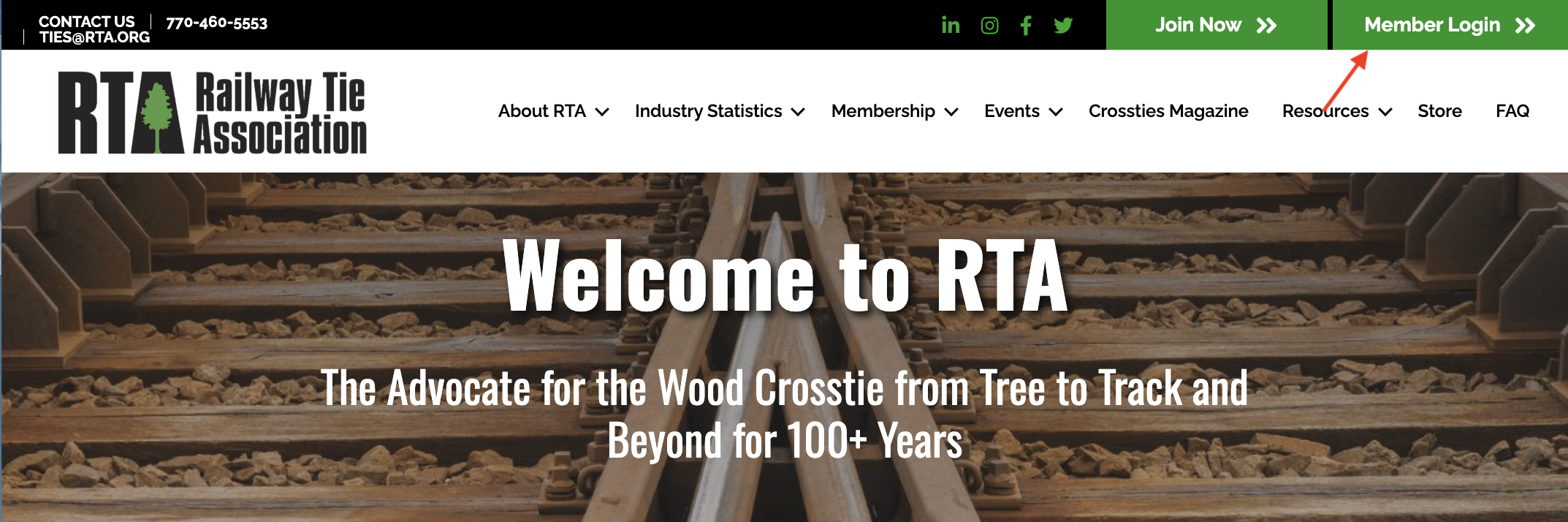
2. Select the Member Login button to access the login page HERE.
3. Click "Create an Account"
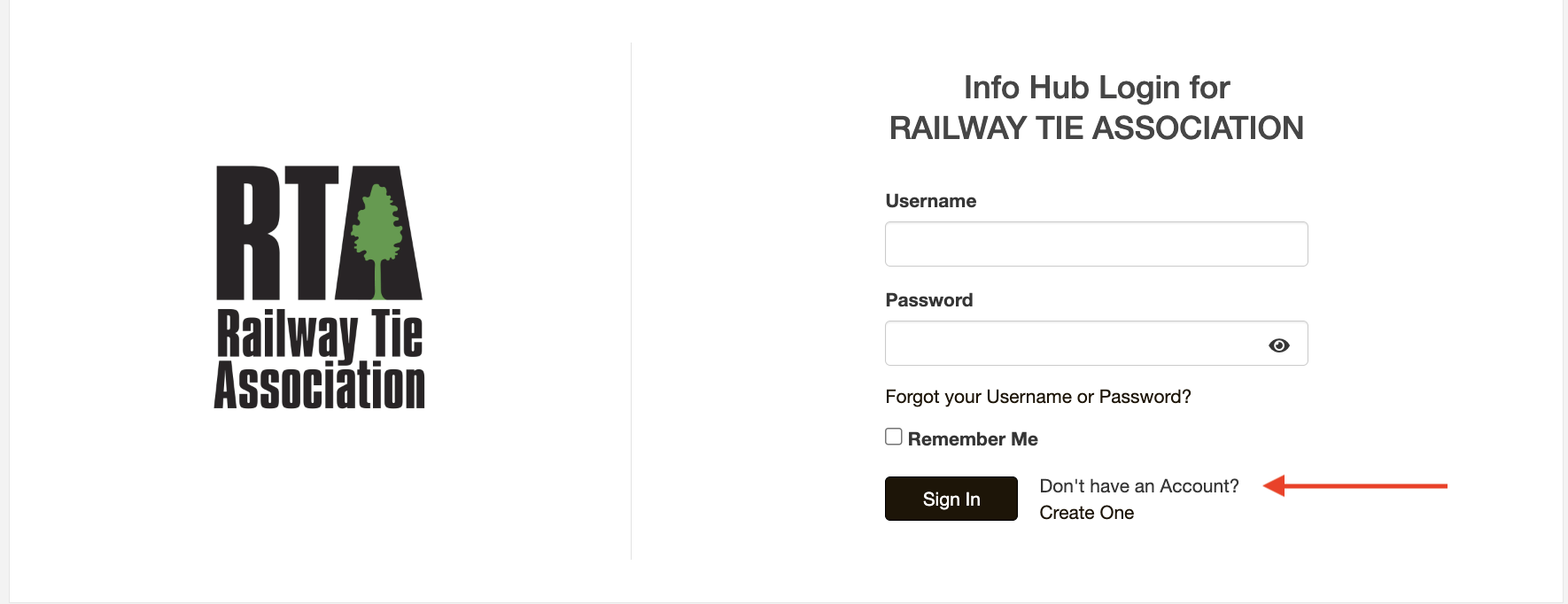
4. Enter your:
- First name
- Last name
- Email address
IMPORTANT: Your last name and email address must match the information RTA has on file for you.
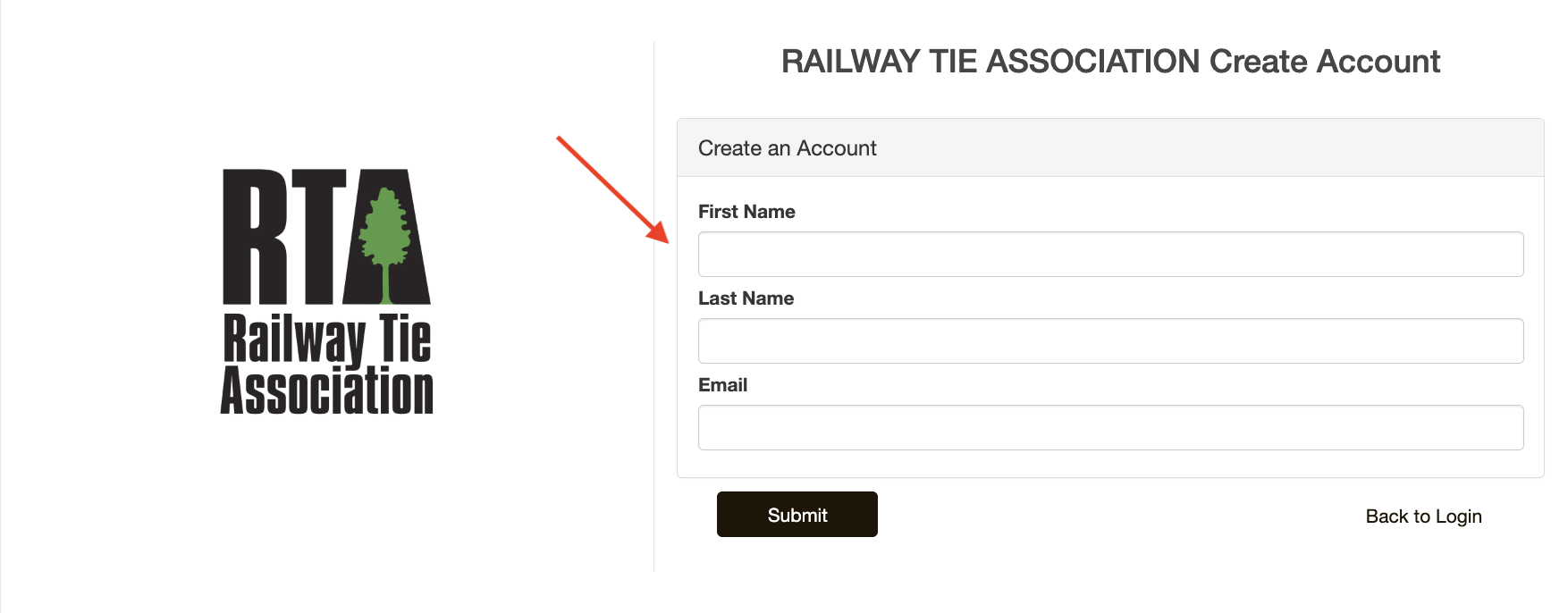
5. Click "Submit."
6. Check your email. If your information matches RTA's records, you'll receive an activation email. Click the link in that email to create your username and password.
7. Remember the password you assigned yourself and login to the RTA Member InfoHub to:
- Register for RTA events
- View and pay invoices
- Access member resources
- View the online member directory
- Update your contact info
- Stay connected with RTA
Having Trouble?
If the system cannot find your information or you would like personal assistance, RTA's Debbie Corallo is standing by to assist.
"We know change is hard for everyone, but RTA transitioned to our new association management system at the beginning of the year," said RTA Administrator Debbie Corallo, offering the following instructions.
"Your prior username and password will not work on RTA’s new and improved website. After you follow the steps above, you can create a new username (which must be your email address) and a new password, and you will have access to much more of your own information than before. We believe the new system will benefit all our members. If you have any questions or concerns, please email me at dcorallo@rta.org or call me at 678-464-7332. I am here to help!"